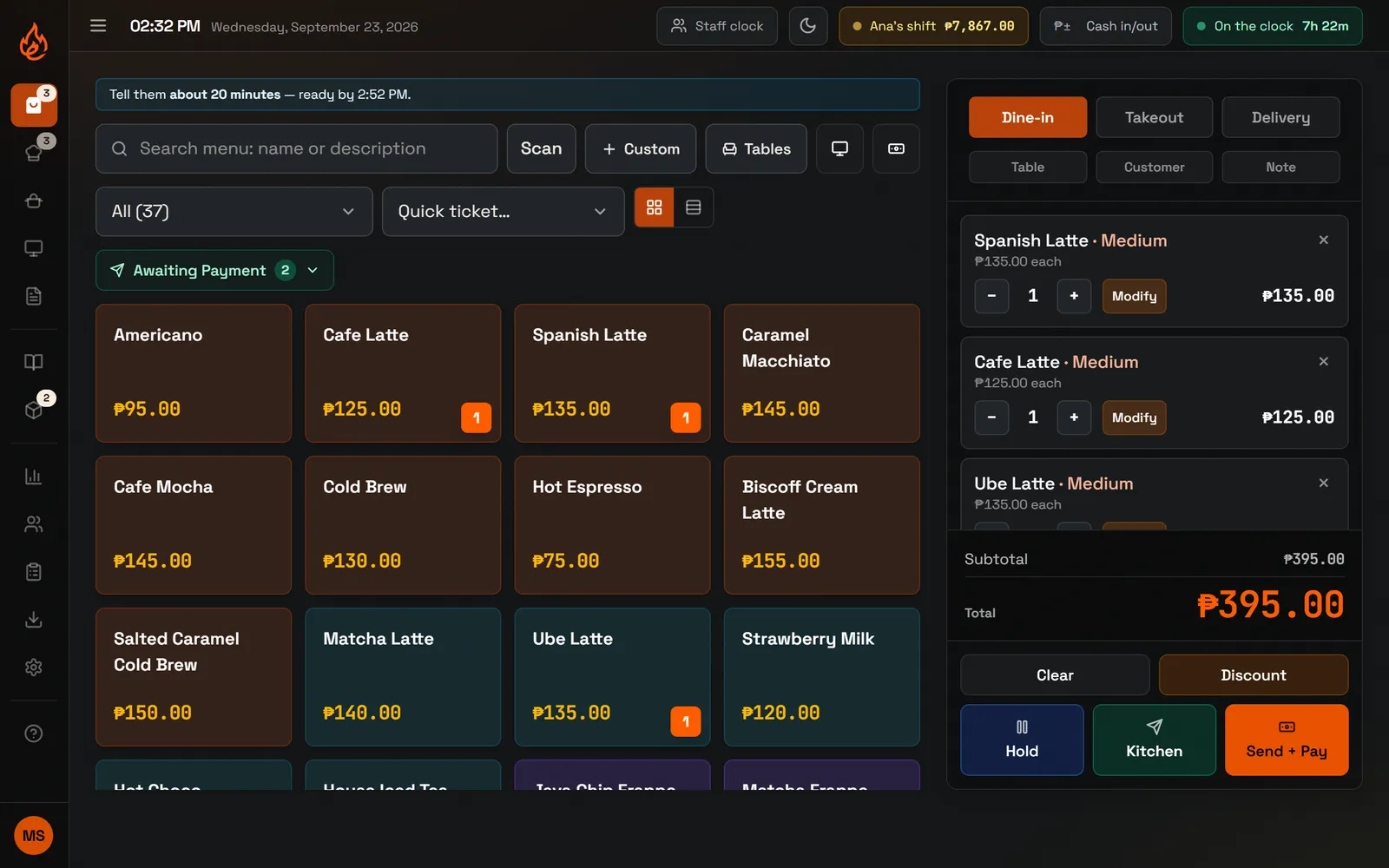
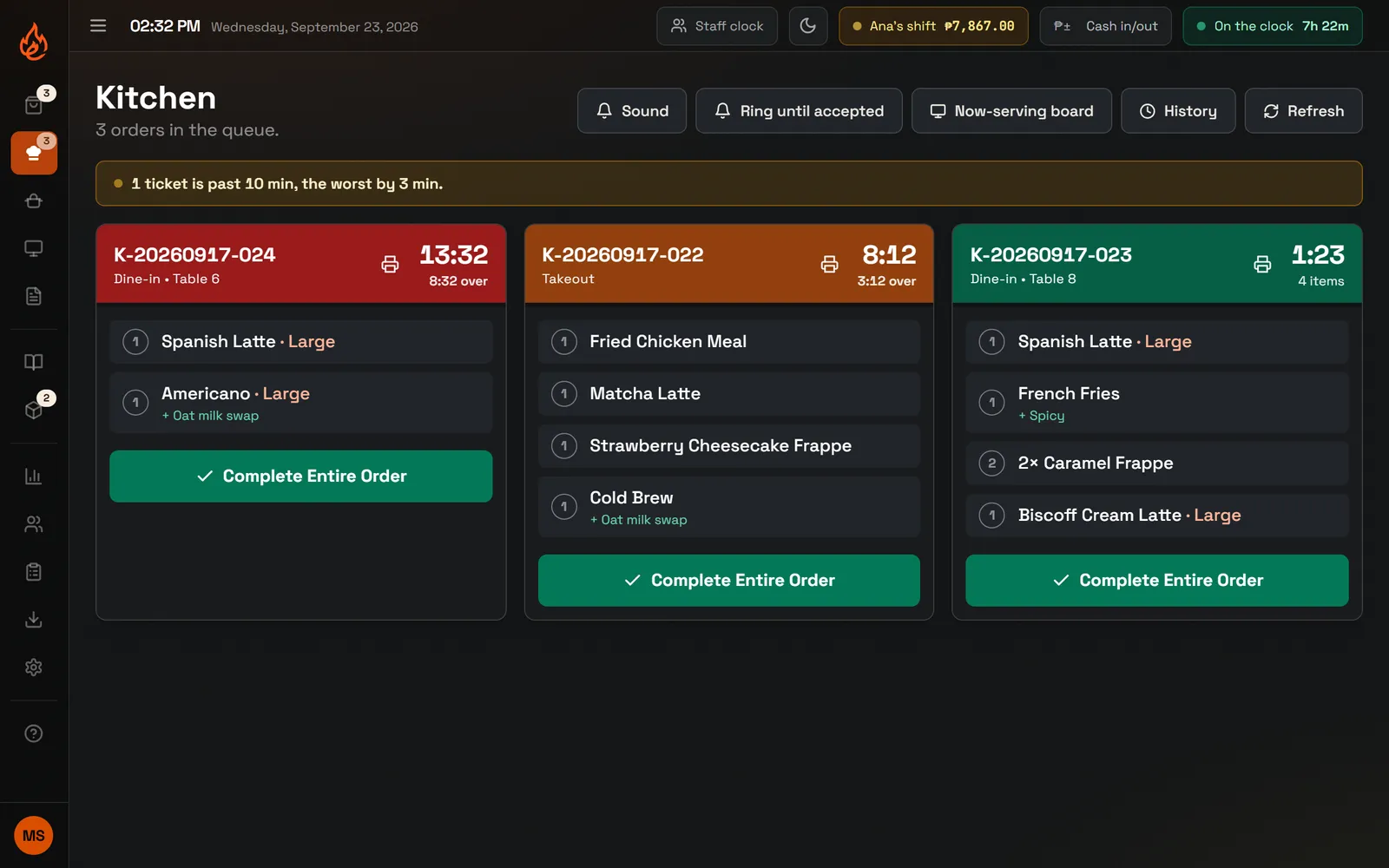
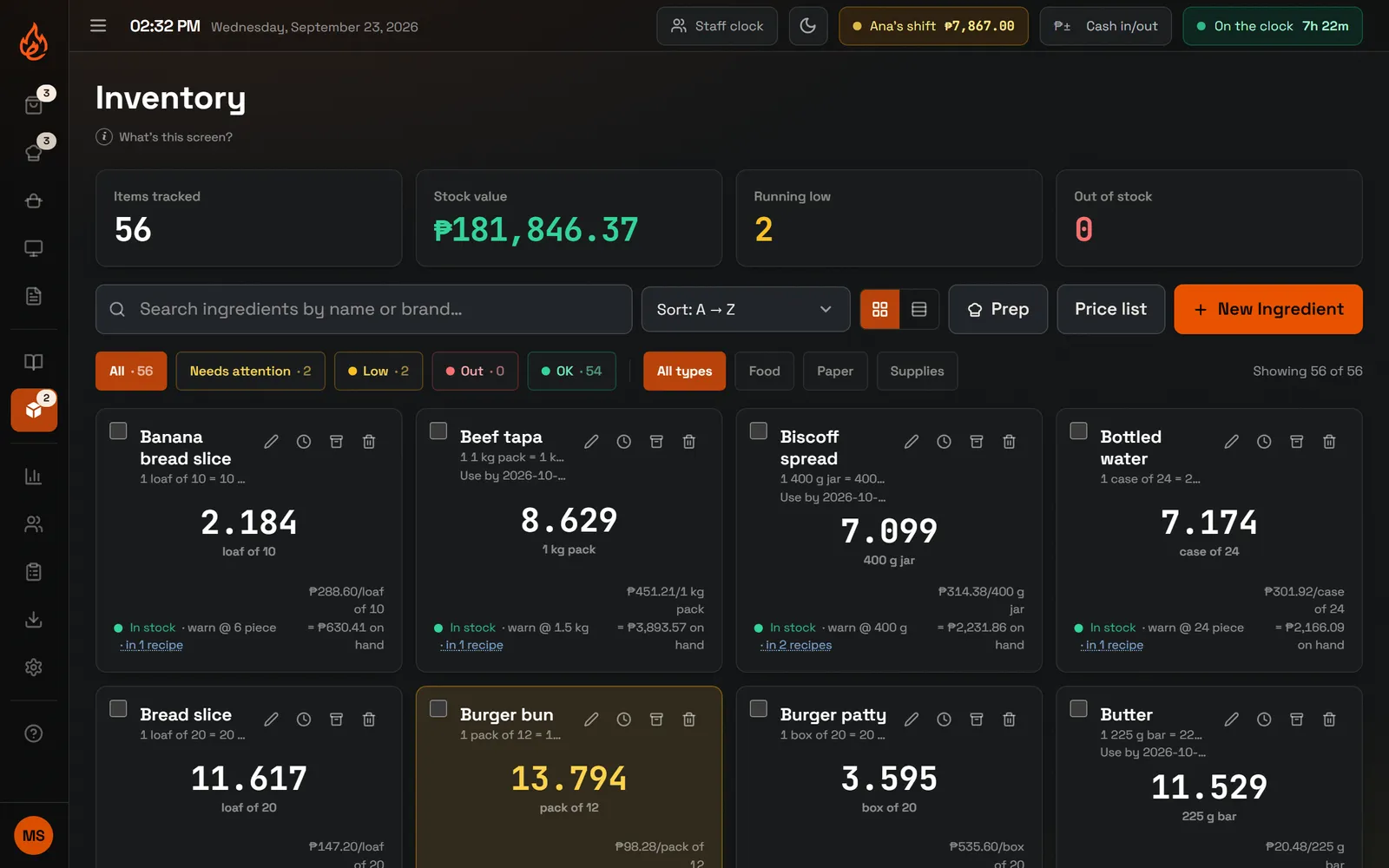
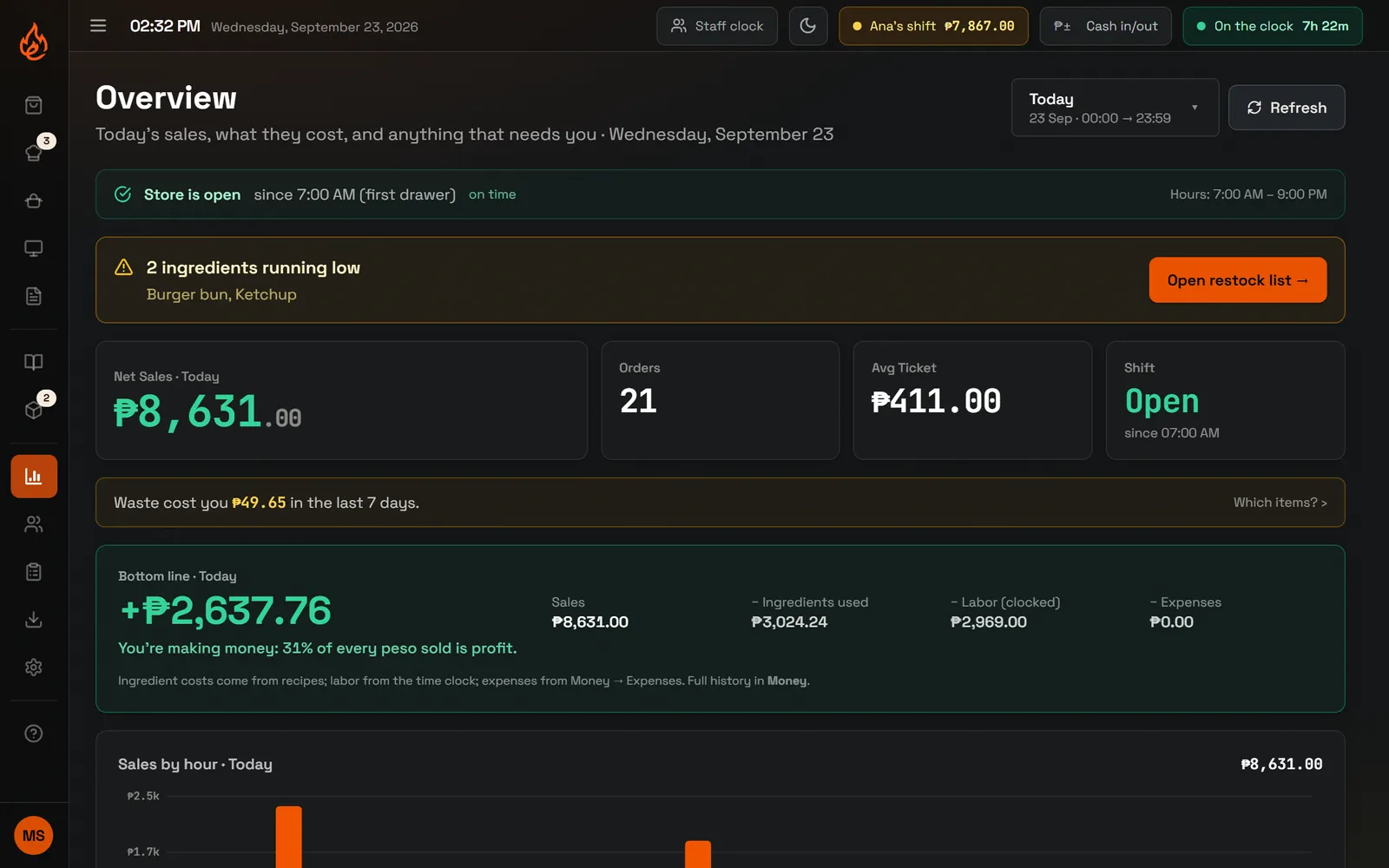
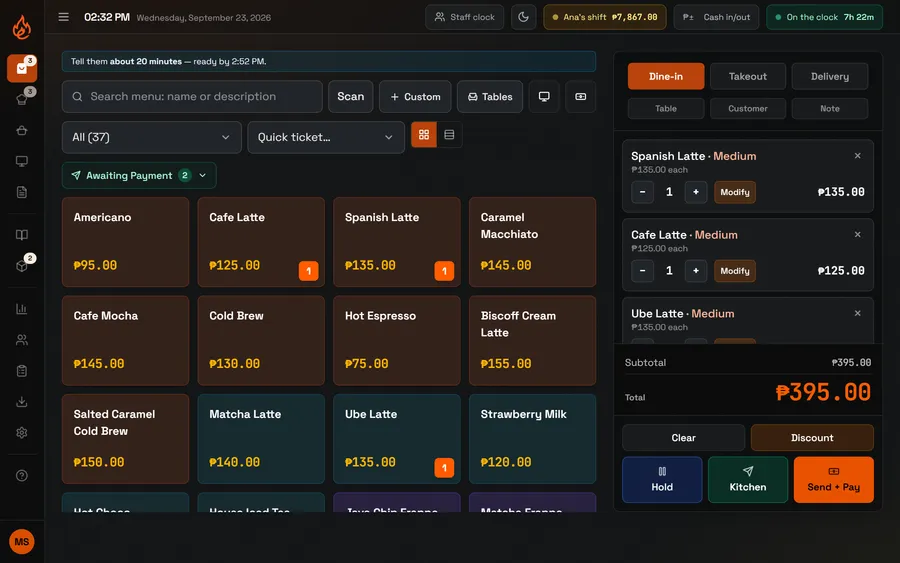
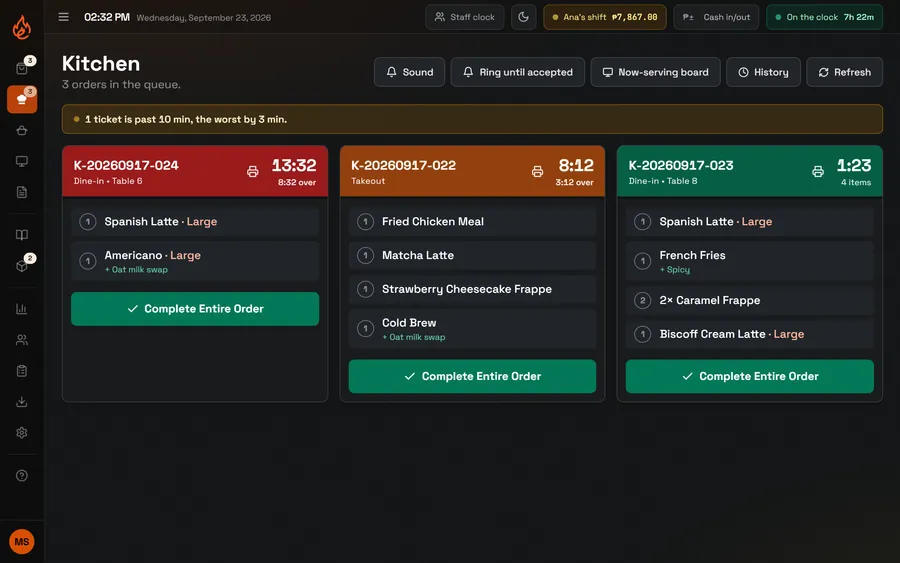
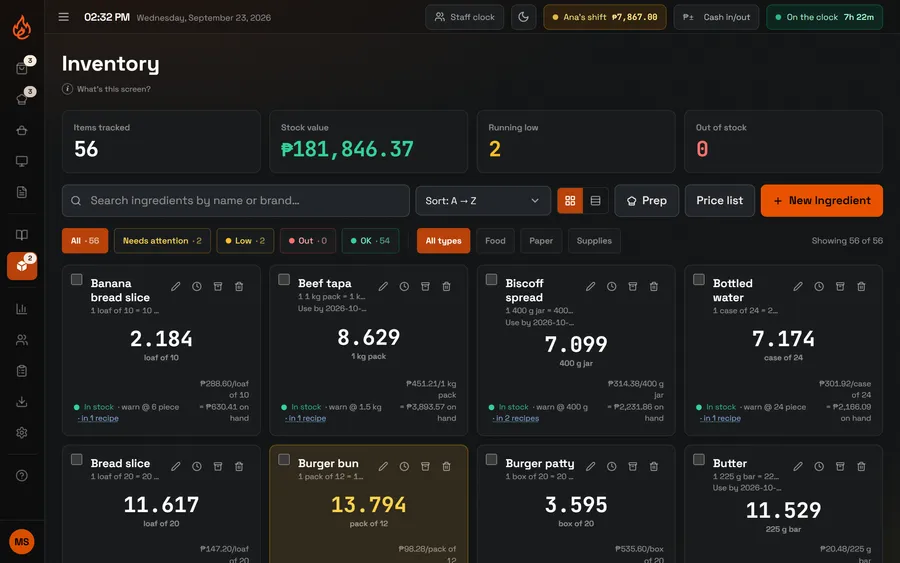
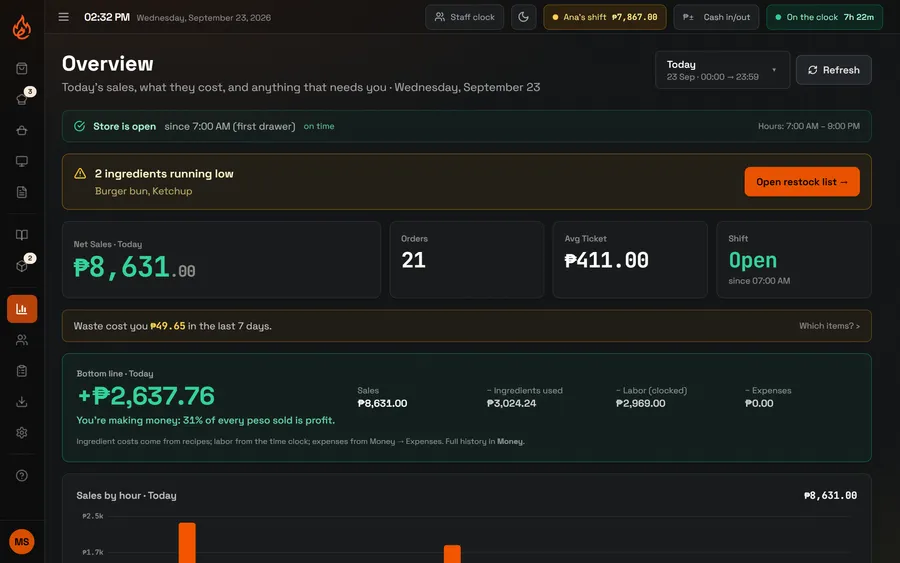
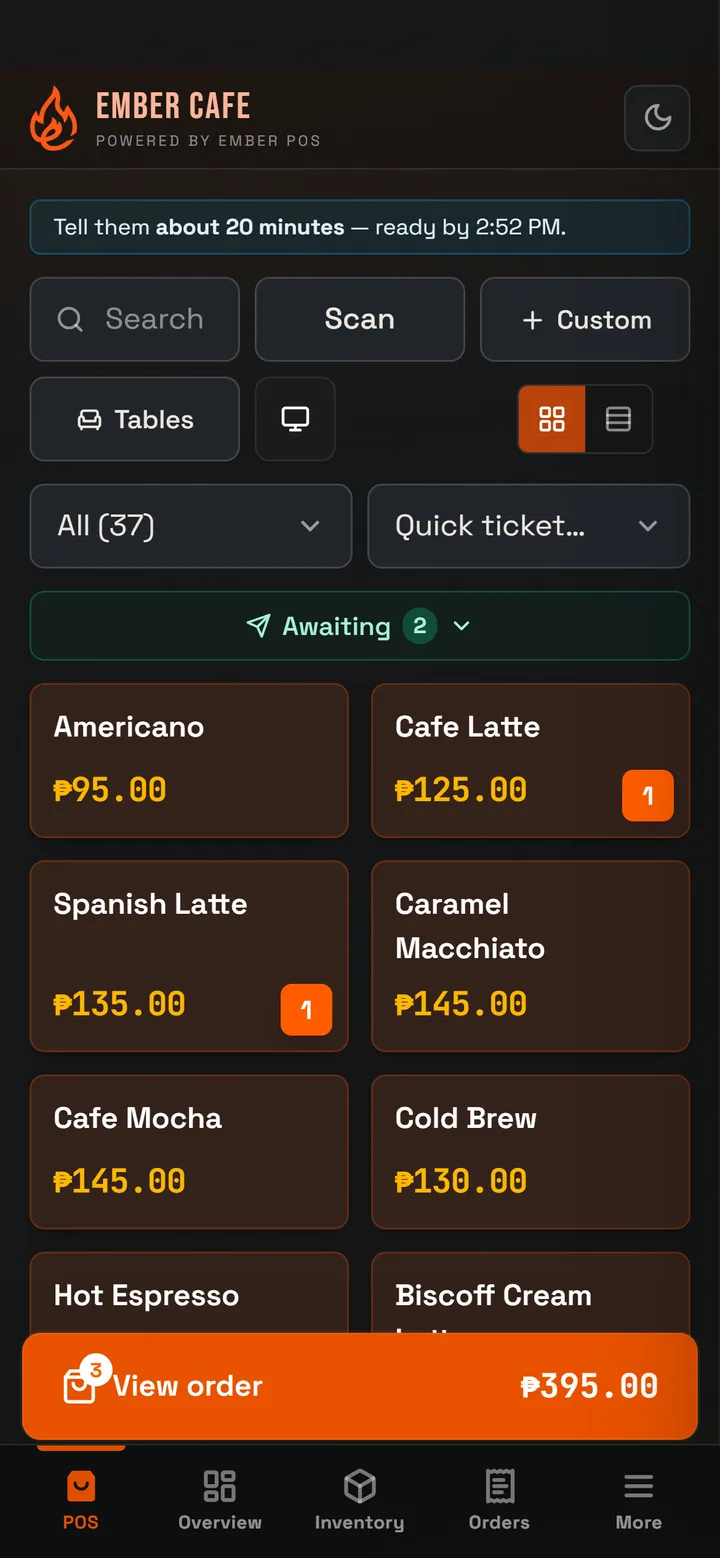
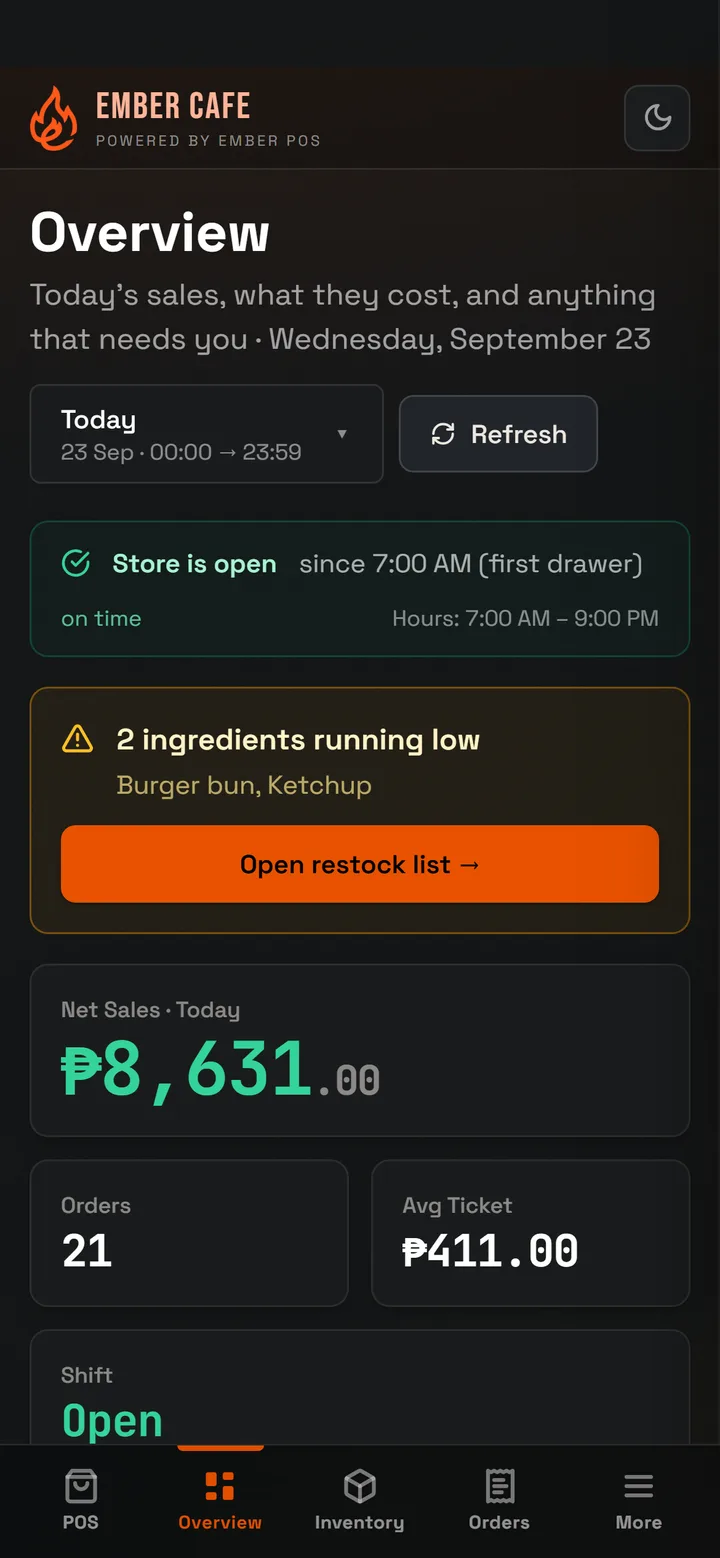
For cafés, milk tea shops, carinderias and food stalls in the Philippines. Take orders, send them to the kitchen, track your stock, record utang, pay your staff, and see your profit every day.
Utang, GCash, brownouts, senior citizen discounts. Ember POS already handles all of them. Nothing to set up or buy.
Utang, without the notebook
Put an order on a customer's tab. See who owes you, how much, and since when. The app can even write a polite reminder for you to send on Messenger.
Aling Rosa · 3 days
₱340.00
Kuya Bong · 12 days · limit ₱1,500
₱1,120.00
Tita Baby · today
₱215.00
A reminder the app writes for you
Hi Kuya Bong! Friendly reminder lang po from Ember Cafe: your balance sa amin is ₱1,120.00. Pwede po bayaran anytime na convenient sa inyo. Thank you po!
Keeps selling during a brownout
No internet? The Android app keeps selling and printing receipts. It saves everything online when the internet comes back.
No internetStill selling. 3 sales saved on this phone.
Back onlineAll 3 sales saved online.
#31#32#33
Cash, GCash and Maya, kept apart
Each payment type has its own total. At closing, compare it with your GCash or Maya history to spot missing money.
Cash₱4,215.00
GCash₱2,960.00matches GCash
Maya₱1,040.00
QR Ph₱416.00
A Now Serving screen for customers
Customers can see when their order is ready. It updates by itself when the kitchen finishes an order.
Preparing
24252627
Ready
20212223
See who did what
Every discount, cancelled order, refund and cash drawer opening is saved with the staff member's name. You choose what each person may do.
2:11MariaSenior 20% · ID saved₱27.00
1:49MariaCancelled · wrong table₱149.00
1:32AnaOpened drawer · no sale—
Payroll from the time clock
Staff clock in and out on the app. Payroll uses those hours, pays overtime, and takes off the SSS, PhilHealth and Pag-IBIG amounts you set.
Ana's hours this weekOvertime at 1.25×
Mon
Tue
Wed
Thu
Fri
Sat
AR
Ana ReyesClocked in at 7:00 AM · Cashier
7h 32m
SSSPhilHealthPag-IBIGOvertime
Senior and PWD discounts, done right
The 20% discount is saved together with the customer's ID number. Your sales report comes in the columns bookkeepers ask for, and the app checks for missing receipt numbers.
Adding your menu is the only real work, and we can do it for you. We add your items, prices, sizes, add-ons, recipes and stock. You check it, then start selling. It's free, and you can leave any time.
Send a photo of your menu
Or a document or spreadsheet. We type everything in for you.
Import a spreadsheet
Upload a CSV file with your items and prices, and your menu is ready.
Try our sample menu
Load a ready-made café menu in one tap to see how everything works.
Yes. Open the app in any web browser and sign in with your shop account. It is the full app: selling, the kitchen screen, your menu, stock, reports, staff and payroll. Changes show on all your devices right away.
Can I record utang like in our notebook?
Yes. Add the customer to the order and choose Utang when paying. The amount goes on their tab. You can see who owes you, how much and since when, record their payments, and set a limit for each person. The app can also write a polite reminder you can send on Messenger.
Is there an iPhone app?
Not in the App Store yet. For now, iPhone and iPad users can use the full app in Safari, including the register. Open the app, tap Share, then Add to Home Screen. You get an Ember POS icon that opens like a normal app.
Does it work without internet?
The Android app does. You can keep selling, printing receipts and signing in, and everything is saved online when the internet comes back. The browser version needs internet to open, then it can handle short drops. If your signal is often weak, use the Android app.
What do I need to buy?
Nothing special. Any Android phone or tablet works, even an older one. You can also use an iPhone, iPad or computer through the web browser.
Is my data safe? Can my staff see everything?
Your data is stored online, kept separate from every other shop, and backed up for you. Inside your shop, you decide what each staff member can see and do. For example, you can allow only yourself to give discounts or cancel orders.
Do I have to type in my whole menu?
No. Send us what you have, like a spreadsheet, a document or a photo of your menu board, and we will add your items, prices, ingredients and stock for free. You can also import a spreadsheet yourself, or load our sample menu to try things first.
How do I start?
Download the app from Google Play, create your shop, and load the sample menu to look around. Or email your menu to atlasco.web@gmail.com and we will set it up for you for free.
Try the full app now, no sign-up needed
Our sample café, Ember Cafe, already has a year of sales, stock and staff in it. It opens right here in your browser. Take orders, receive deliveries, count stock, run payroll. Everything stays in your browser, so you can't break anything.
 Ember POS